
Changelog

Follow new updates and improvements to Lumen.

Proper app loads after updates
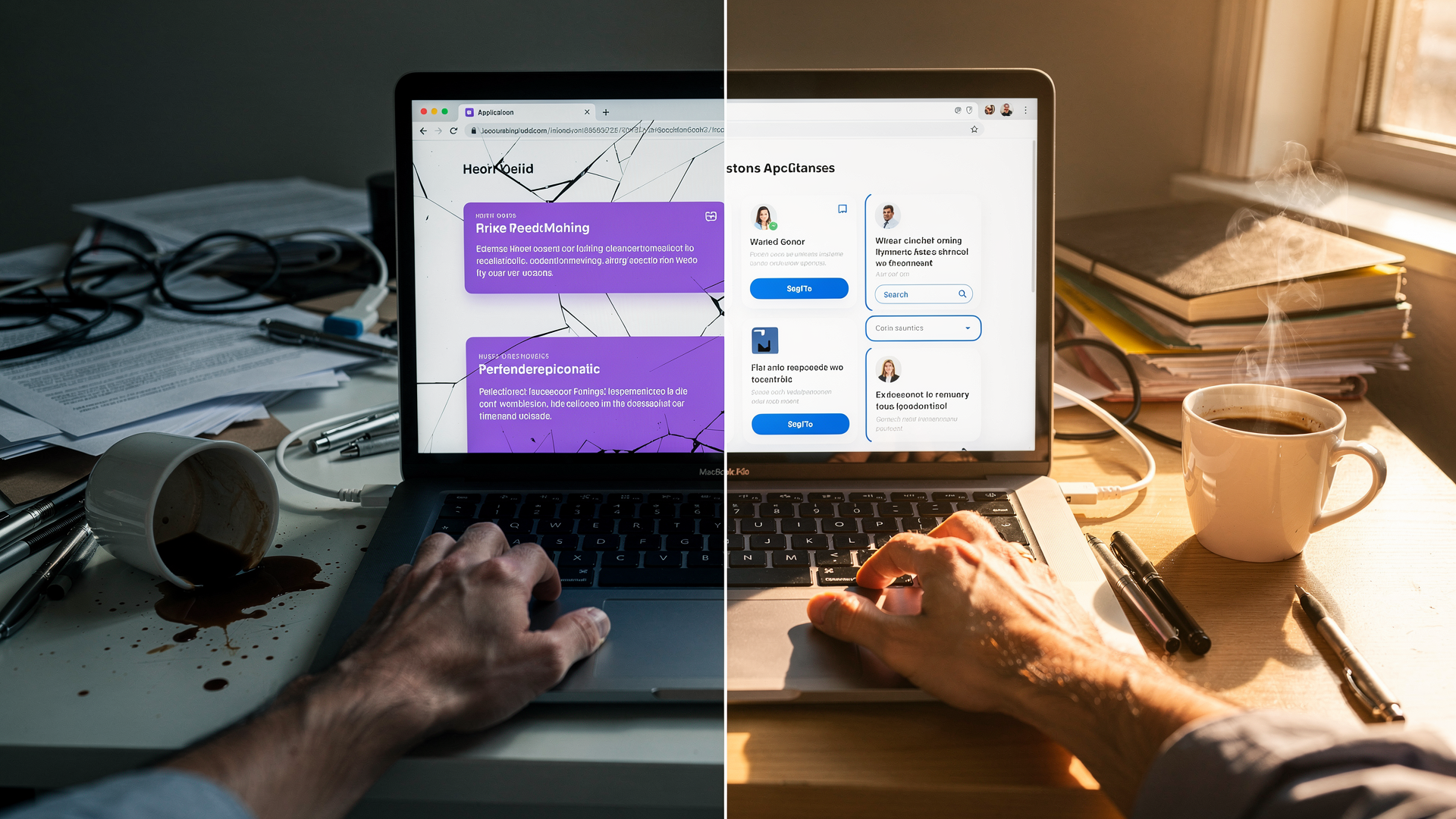
After a Lumen update, some users would briefly see outdated content or broken styling or the app broke down completely. This was especially confusing on shared devices where hard-refreshing isn't second nature, or it would only help short term.

We've added proper cache management so your browser always loads the latest version of Lumen immediately after an update. No more stale pages, no more manual refreshes — deployments are now seamless from your perspective.
Improved

Public status page

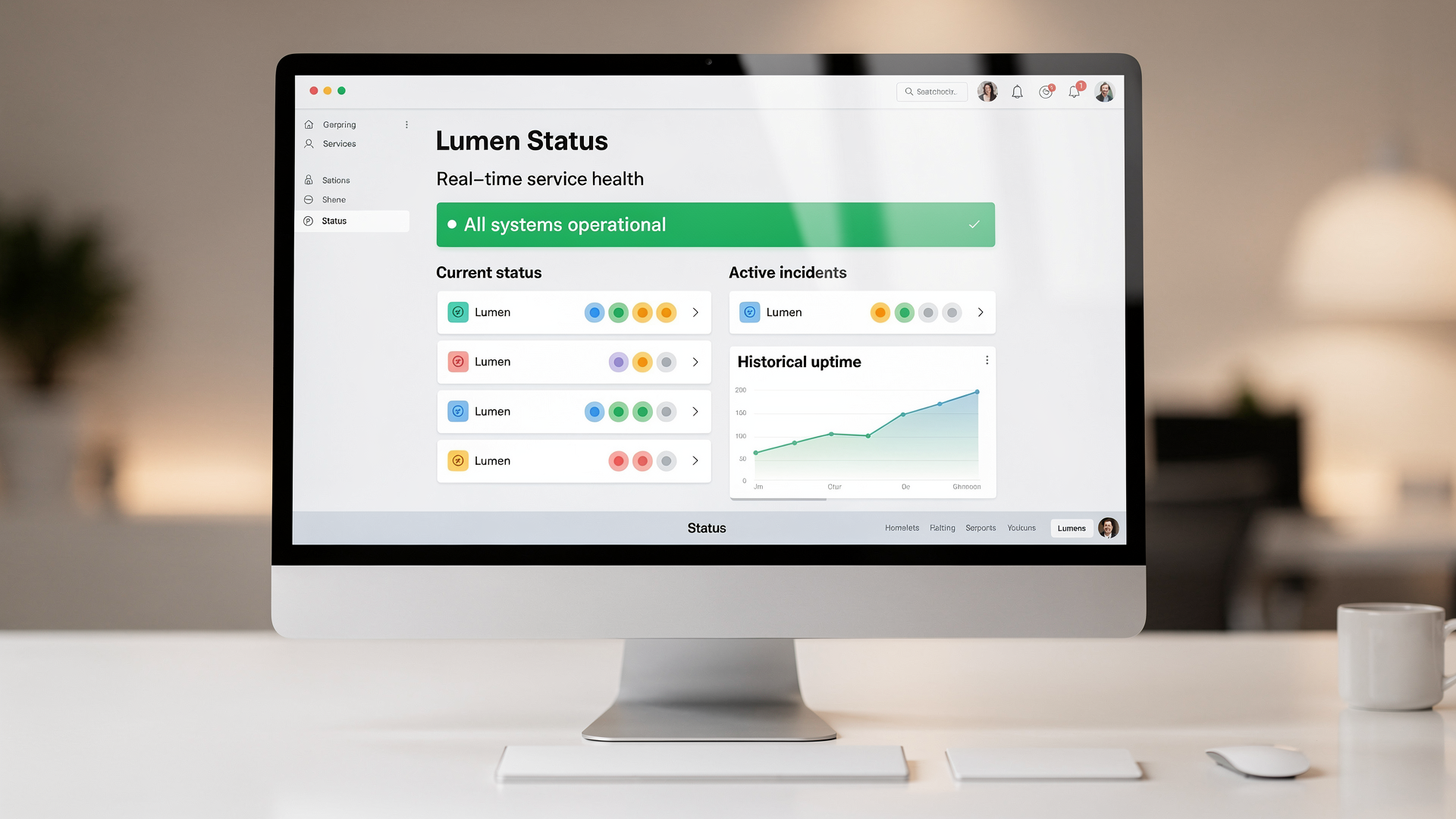
When something felt slow or unresponsive, there was no way to check whether it was a Lumen issue or something on your end. You'd have to reach out to support and wait for an answer.

Lumen now has a public status page. Check the real-time health of all Lumen services at any time — no login required. You'll see current status, active incidents, and historical uptime at a glance.

The status page link is also available from the Lumen website footer.

New

In-app help center and changelog

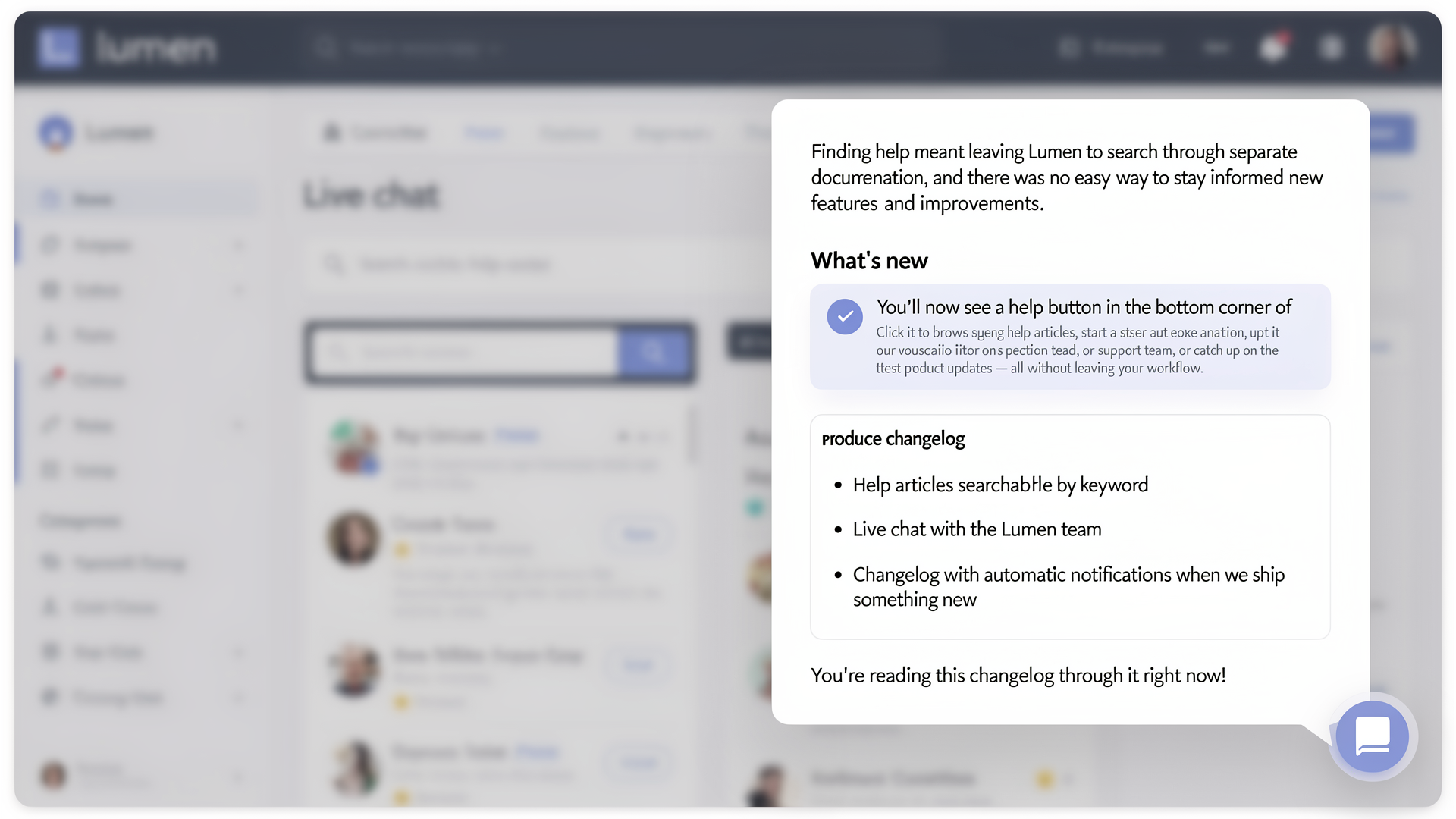
Finding help meant leaving Lumen to search through separate documentation, and there was no easy way to stay informed about new features and improvements.

You'll now see a help button in the bottom corner of Lumen. Click it to browse help articles, start a conversation with our support team, or catch up on the latest product updates — all without leaving your workflow.

  • Help articles searchable by keyword
  • Live chat with the Lumen team
  • Changelog with automatic notifications when we ship something new

You're reading this changelog through it right now!

New

Earlier updates