Changelog
Follow new updates and improvements to Lumen.
When something felt slow or unresponsive, there was no way to check whether it was a Lumen issue or something on your end. You'd have to reach out to support and wait for an answer.
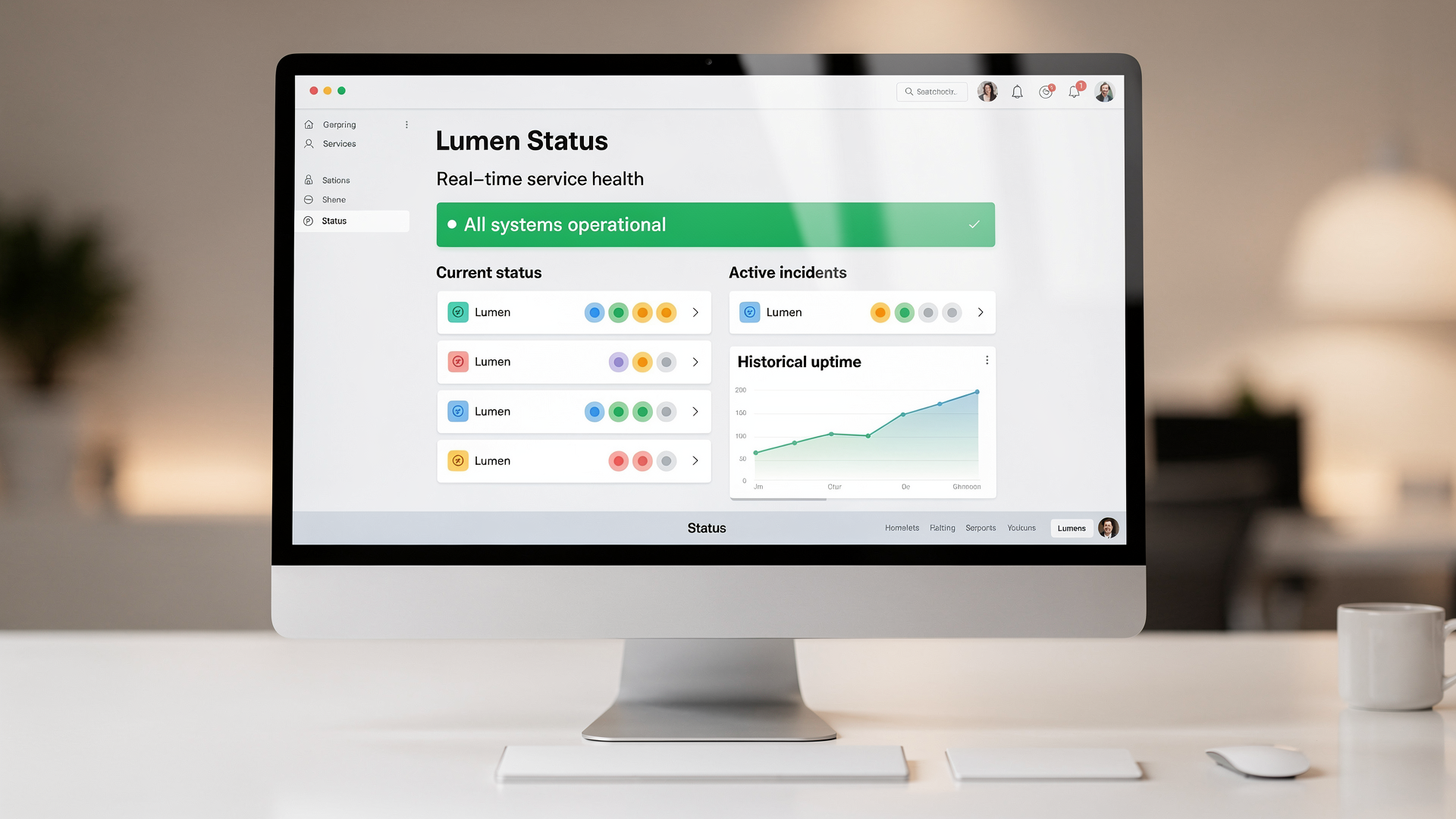
Lumen now has a public status page. Check the real-time health of all Lumen services at any time — no login required. You'll see current status, active incidents, and historical uptime at a glance.
The status page link is also available from the Lumen website footer.
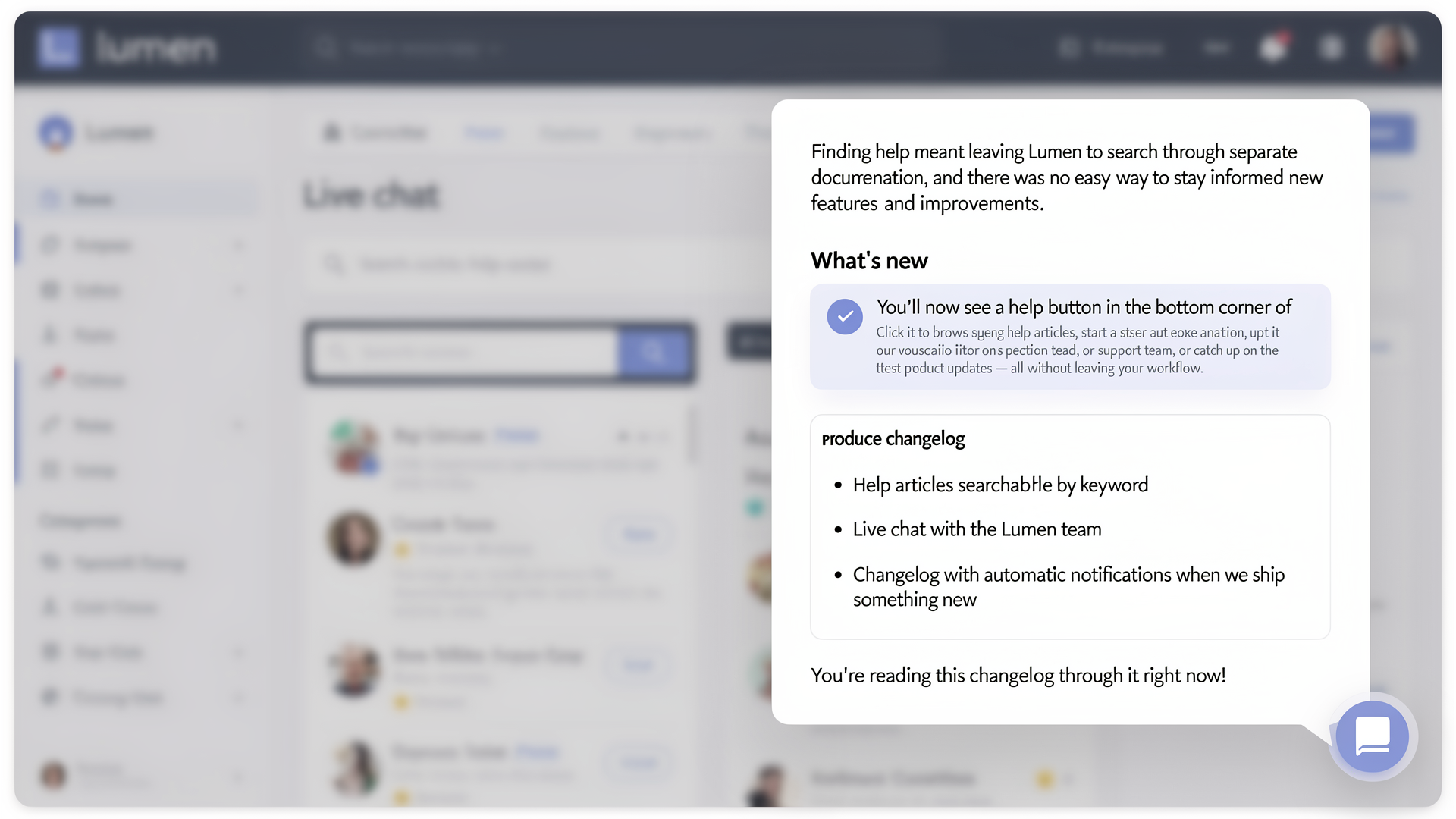
Finding help meant leaving Lumen to search through separate documentation, and there was no easy way to stay informed about new features and improvements.
You'll now see a help button in the bottom corner of Lumen. Click it to browse help articles, start a conversation with our support team, or catch up on the latest product updates — all without leaving your workflow.
- Help articles searchable by keyword
- Live chat with the Lumen team
- Changelog with automatic notifications when we ship something new
You're reading this changelog through it right now!
Not every process step is relevant for every request. Until now, team members had to manually review and skip steps that didn't apply — wasting time and creating confusion about what actually needed attention.
Now you can define skip rules on any process step. When a request enters a step, Lumen automatically evaluates your rules against the request data and skips steps that don't apply. Your team only sees the work that's actually relevant to them.
- Write rules in CEL expressions for simple conditions or Lua scripts for complex logic
- Rules are evaluated before task assignment — skipped steps never appear in anyone's task list
- Works with parallel step groups: if a rule skips 2 out of 5 parallel tasks, the other 3 proceed normally
- No code changes needed — configure everything in the process template editor